Code with a local agent
Describe a change to your project. Ancilo reads the code, edits files in a separate copy and shows you the result for review. Use it for a small website, a bug fix or a manageable addition.

Review and apply changes
You can confirm each step or let the agent work on its own. Changes are made in an isolated working copy and shown for review. They enter your project only when you apply them.
Working code does not prove that its content is correct. Review the changes and run appropriate tests. Large cloud models are often more capable than small local models at complex tasks and long workflows.
Tasks from Claude Code and Codex
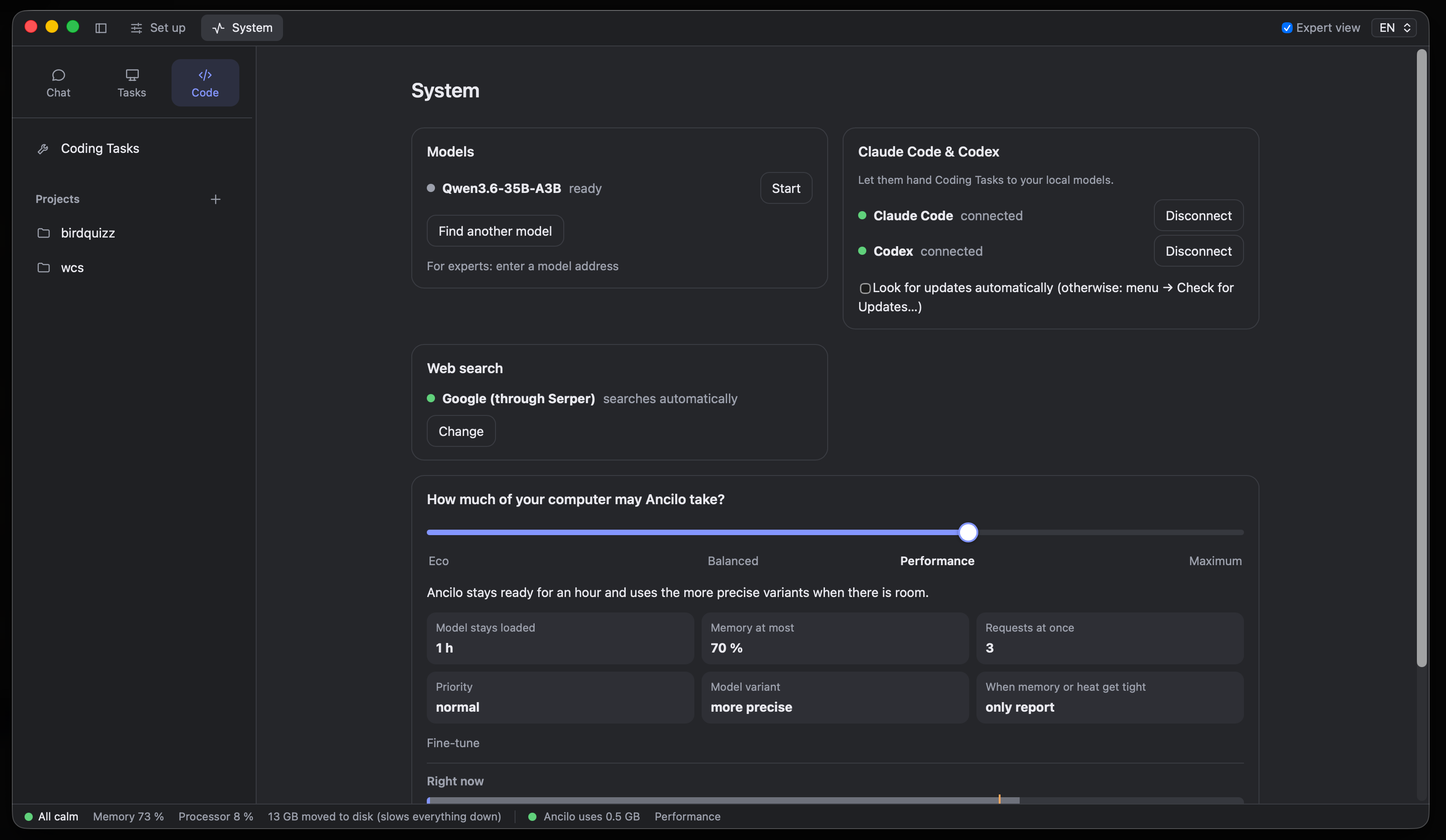
Through MCP, Claude Code and Codex can hand bounded work to Ancilo, such as adding tests, writing documentation or making a small change. Ancilo runs the delegated task with its local model.
Set up the connection in System. The delegation tutorial covers read and write access, background work and checking the result. Delegating locally does not make your entire external coding assistant workflow local.
API and command line
Ancilo provides an OpenAI- and Anthropic-compatible API on 127.0.0.1 and a command line for your own tools. The local service requires an access token. Delegation, coding sessions and model comparisons use local models only.
Contribute to Ancilo
Ancilo is open source. The contribution guide describes the project structure, development setup and verification commands. Reproducible bug reports and specific feature requests help too.